Business Portal Translation Guide
This guide provides translations of the Business Portal support form screens from Danish to English. It is intended to assist users who may not be fluent in Danish when navigating the support process.
The Business Portal home page
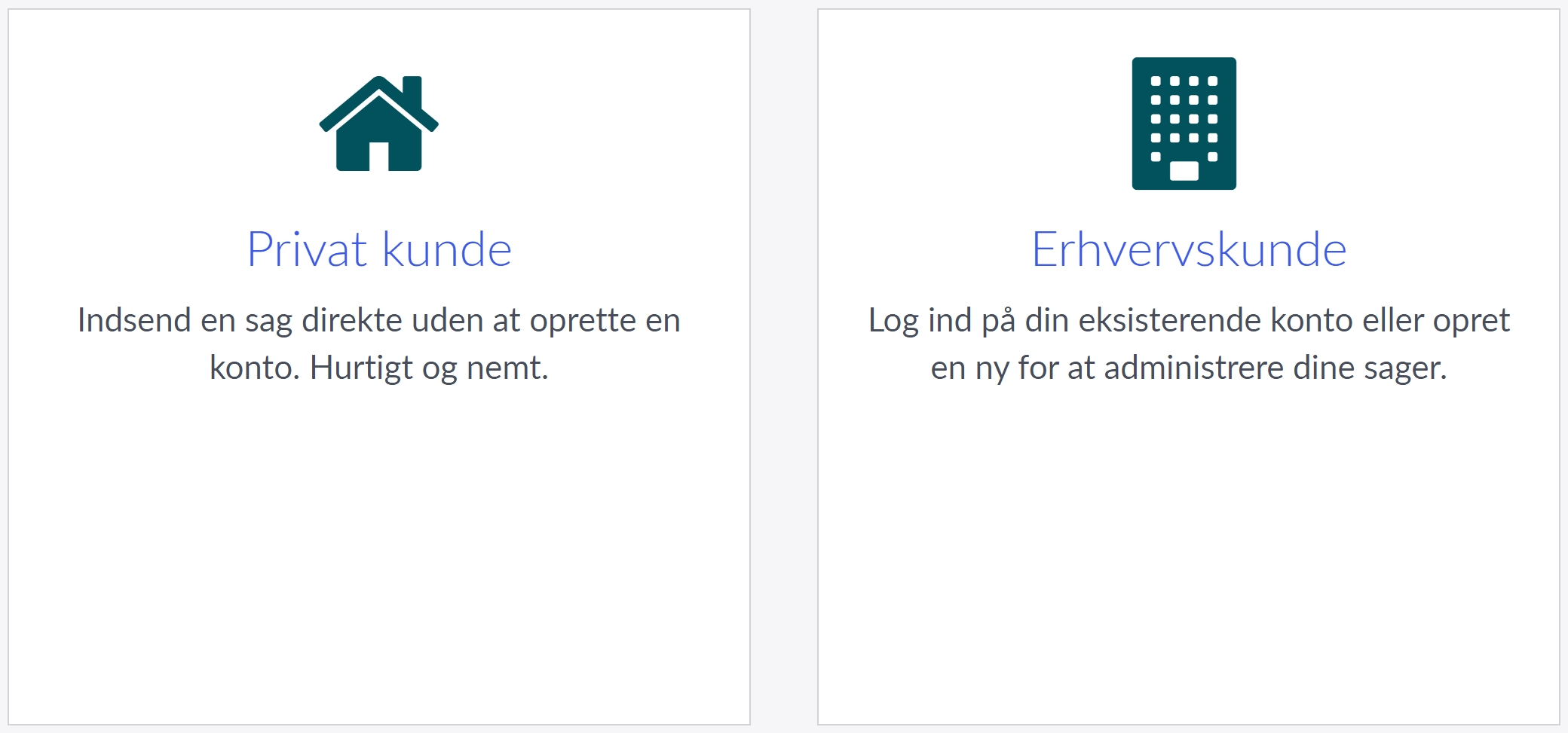
- Private customer: Submit a case directly without creating an account. Quick and easy.
- Business customer: Log in to your existing account or create a new one to manage your cases.
For business customers: Continue with the registration flow
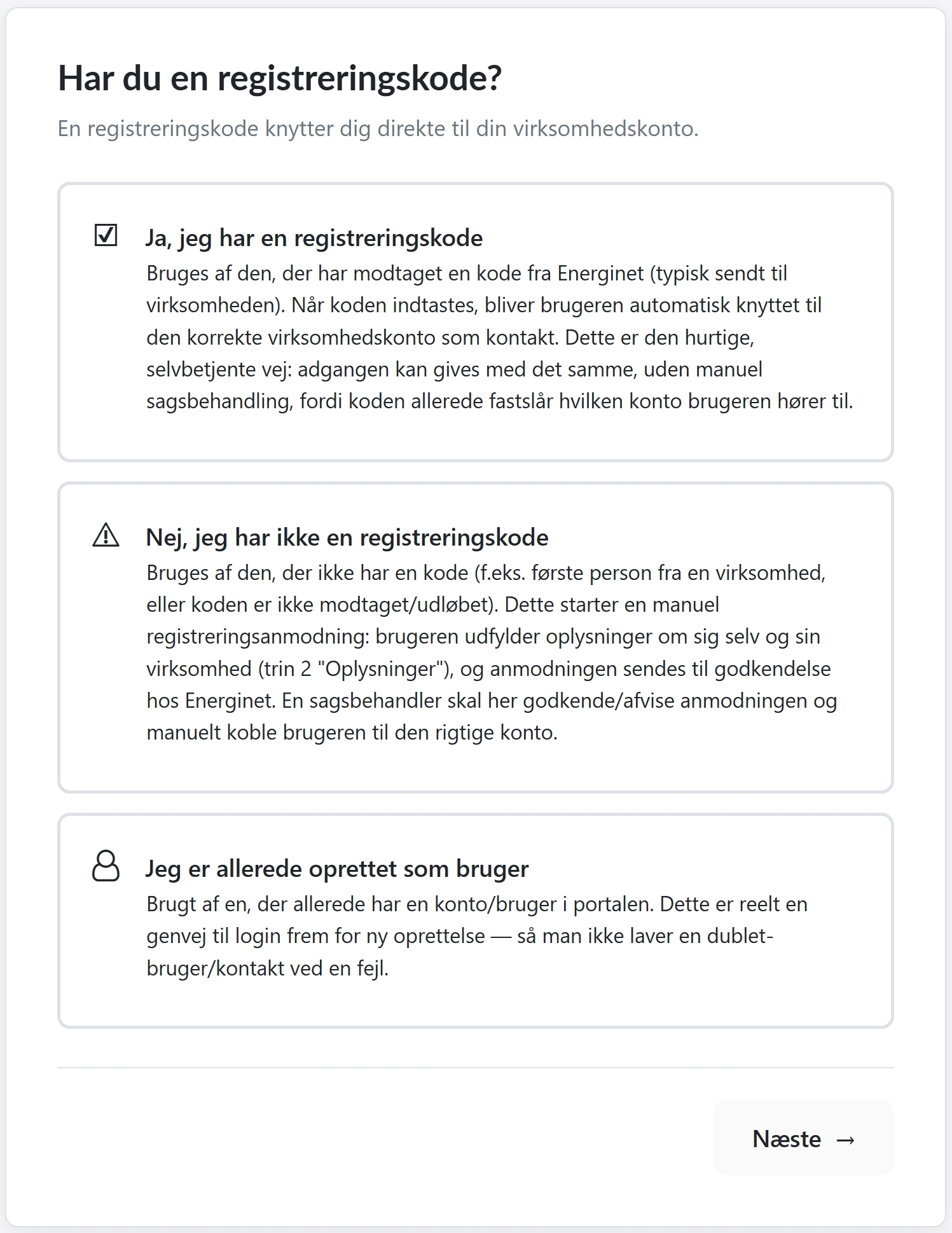
Do you have a registration code?
A registration code links you directly to your company account.
Yes, I have a registration code
For users who have received a code from Energinet (typically sent to the company). When the code is entered, the user is automatically linked to the correct company account as a contact. This is the quick, self-service option: access can be granted immediately without manual processing, as the code already determines which account the user belongs to.
No, I do not have a registration code
For users who do not have a code (e.g. the first person from a company, or if the code has not been received or has been lost). This initiates a manual registration request: the user enters information about themselves and their company (step 2, Information), and the request is sent to Energinet for approval. An administrator then reviews and approves the request and manually links the user to the correct account.
I am already registered as a user
For users who already have an account/user in the portal. This is essentially a shortcut to log in instead of creating a new account, preventing duplicate users or contacts from being created by mistake.